You need to understand your computer in order to use it correctly, in this page we will explain:
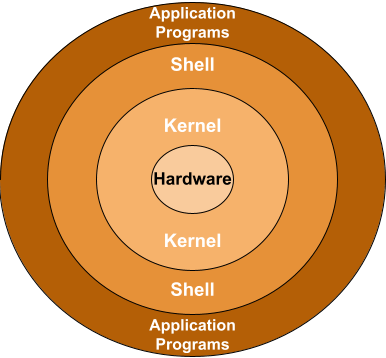
Our operative system (OS) is a complex software framework that serves as an intermediary between the computer hardware and the user interface (all the programs that we use daily) structured in layers to manage resources efficiently.
At the base, the hardware layer consists of the physical components of a computer, such as the CPU, memory, and storage devices.
Above this, the kernel layer operates as the core of the OS, responsible for managing system resources, handling communication between hardware and software, and providing essential services like process management and memory allocation.
The next layer is the shell, which serves as a command-line interface, allowing users to interact with the kernel by entering commands. This layer can also include graphical user interfaces (GUIs) that provide a more intuitive way for users to navigate the system.
Finally, at the top layer, user applications leverage the OS's functionalities to perform specific tasks, from productivity software to web browsers. Together, these layers work harmoniously to enable users to harness the full potential of their computer systems while maintaining efficient resource management and security.
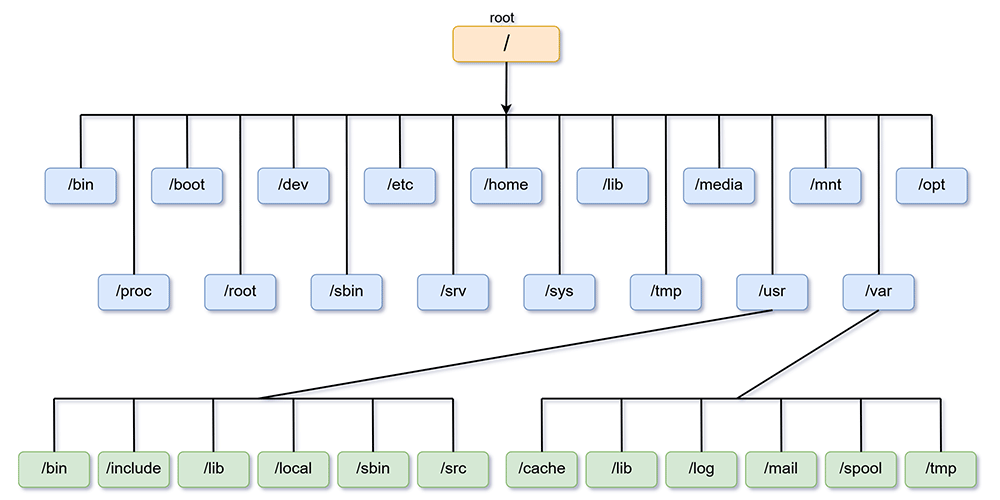
The Linux filesystem hierarchy is a structured layout that organizes files and directories in a tree-like format, beginning with the root directory (/). Each directory serves a distinct purpose, contributing to the system's overall functionality.
You can interact, configure, change, create, destroy... every directory that the system has, you can create daemons(program that runs as a background process), shortcuts for commands, compile user interfaces from scratch...
Anything that you want to do you can do it, even break the entire system by removing the kernel...
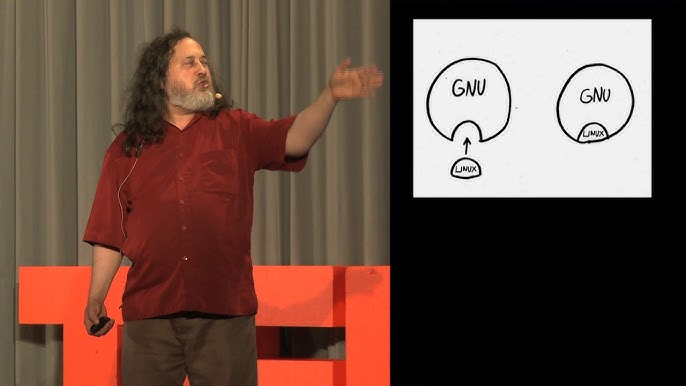
...or maybe replace it with another one.
Here is a summary of the directories in the standard file hierarchy that every GNU/Linux distro comes with:
(you can visualise it better by looking at the image above)
The /bin directory contains essential command binaries that are required for basic system operations.
The /sbin directory houses system binaries used primarily by the system administrator for maintenance tasks.
Configuration files are stored in the /etc directory, which manages system and application settings.
User home directories reside under /home, providing individual spaces for user files and personal settings.
The /lib and /lib64 directories contain shared libraries necessary for programs to function properly.
The /usr directory holds user-related programs, application binaries, and documentation, further organized into subdirectories like /usr/bin for user commands and /usr/share for architecture-independent data.
Temporary files are managed in the /tmp directory, which is typically cleared on reboot.
The /var directory contains variable data files, including logs and mail spools, which are constantly changing.
The /dev directory is essential for device files, providing interfaces to hardware components.
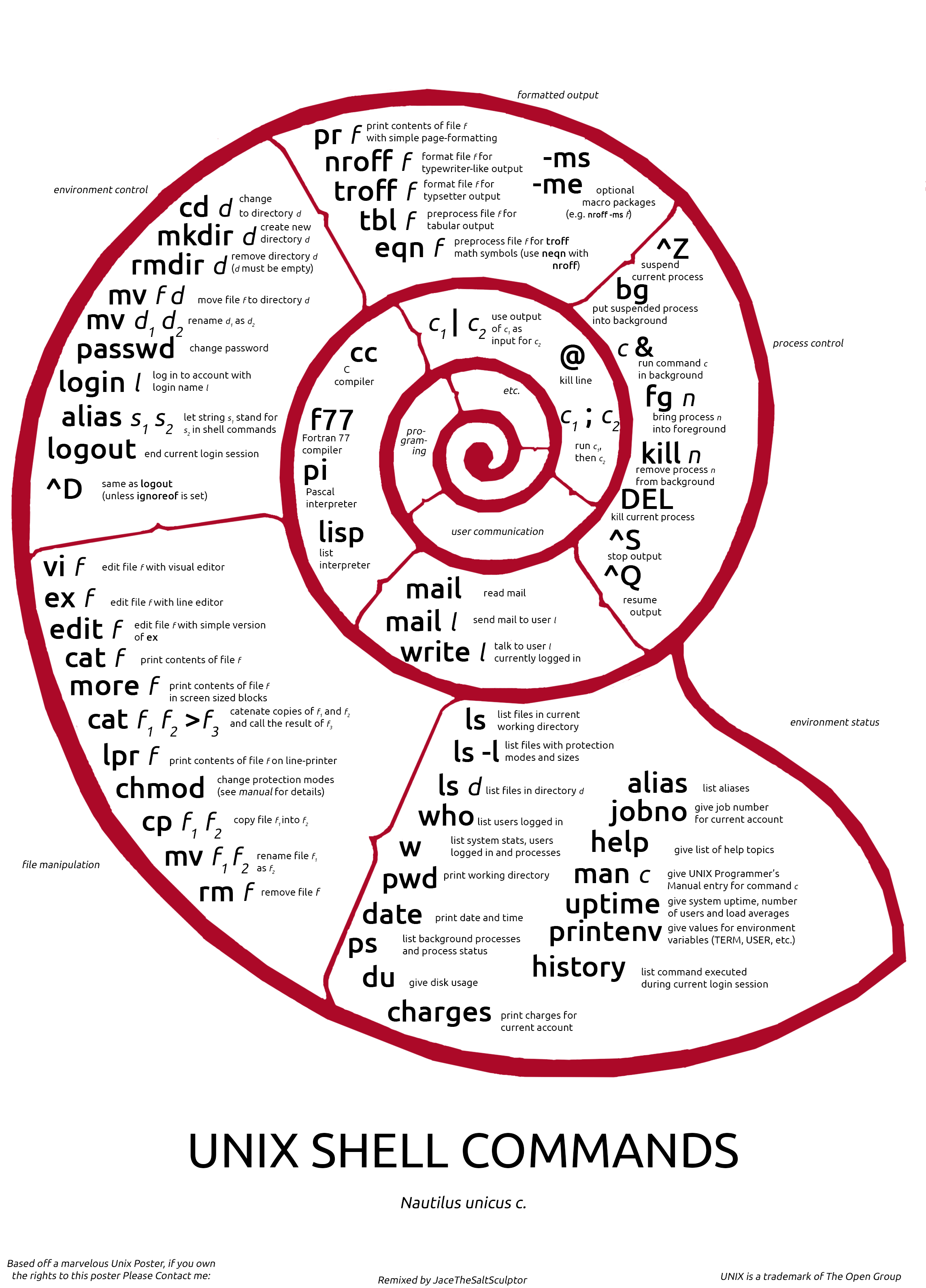
Understanding this hierarchy is vital for effective navigation and management of a Linux system, ensuring users can locate and manage files efficiently. You don't really need to memorize the names and the uses for each directory, after you get used to move around the command line with [cd] and interact with the files with [mkdir] [mv] [cp] and compiling and tinkering with configuration files using [vim] or [nano] you will already be familiarized with the filesystem.
A picture is worth a thousand words
And 819 seconds with 25 pictures each is roughly 20.475 pictures, in total worth 20.475.000 words.
I will leave Richard Stallman's speech on free software in the video below